Wireless CarPlay for everyday driving
Turn Any Car Into A Smart Car
Wireless CarPlay and smart driving essentials built for drivers in Israel.
Ships from Israel · Taxes included · Live chat support
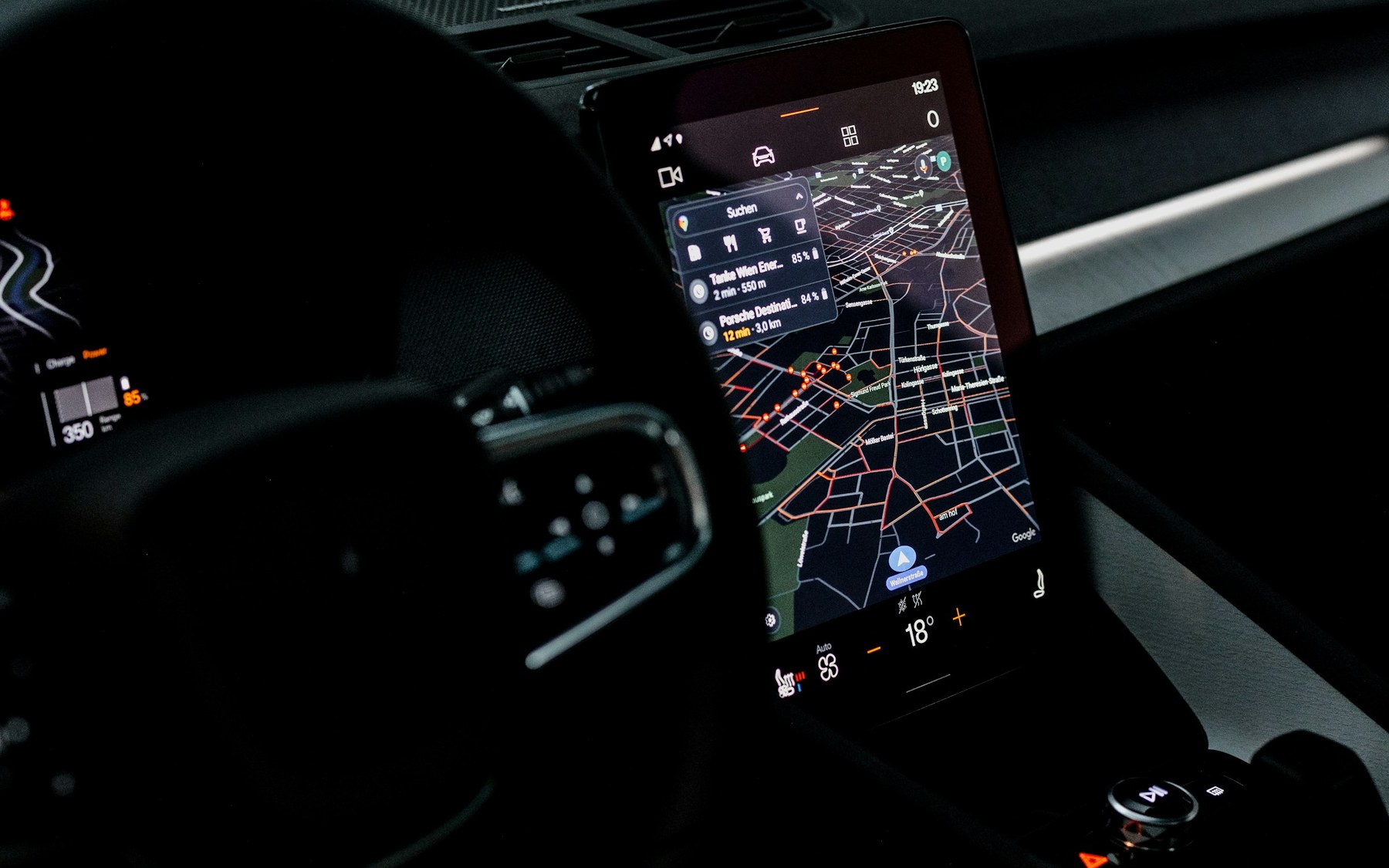
Best sellers
Focused upgrades drivers actually use.
Best seller
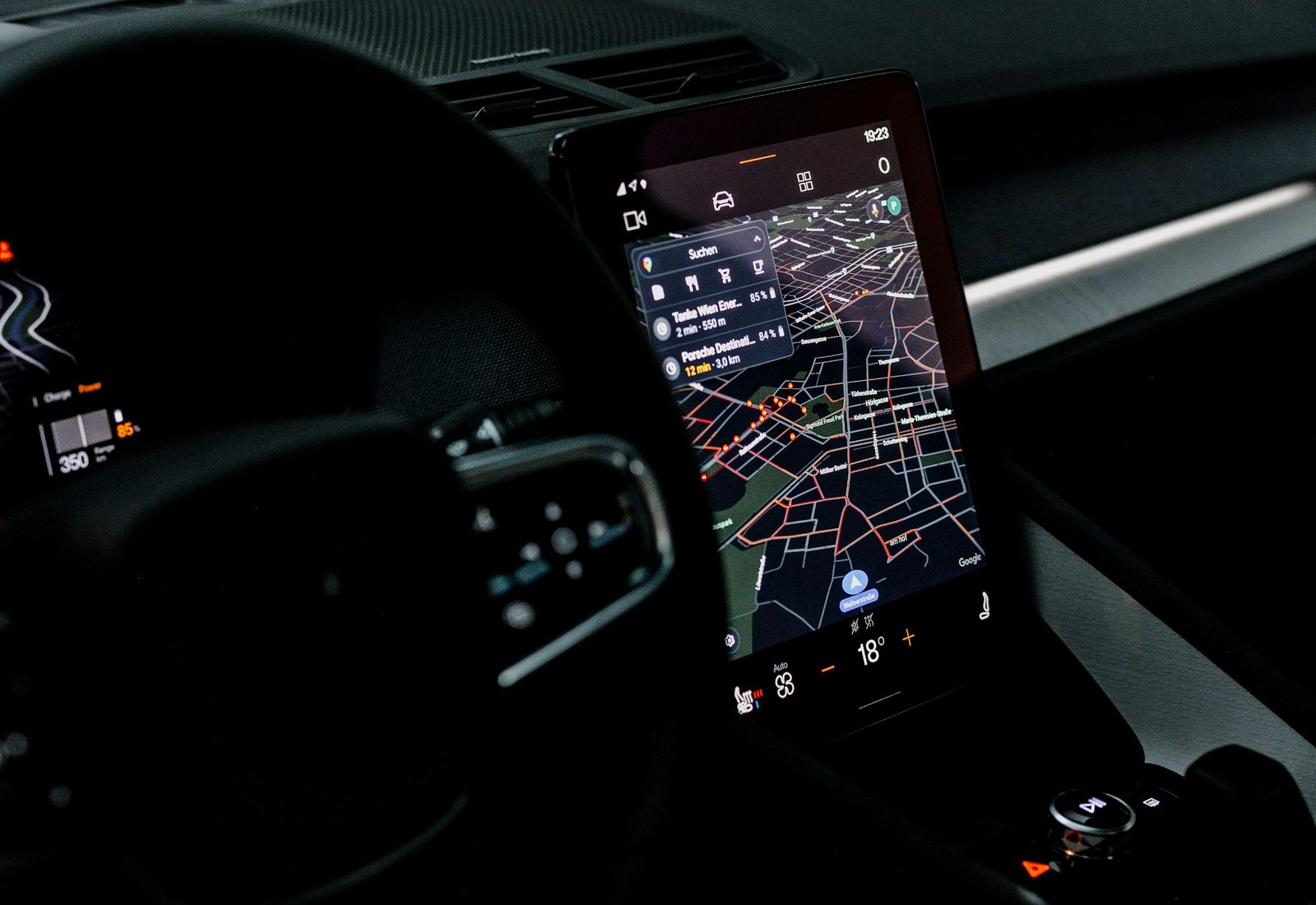
Wireless CarPlay Hub
For cars that already support wired Apple CarPlay. Pair once, then reconnect wirelessly when the car starts.
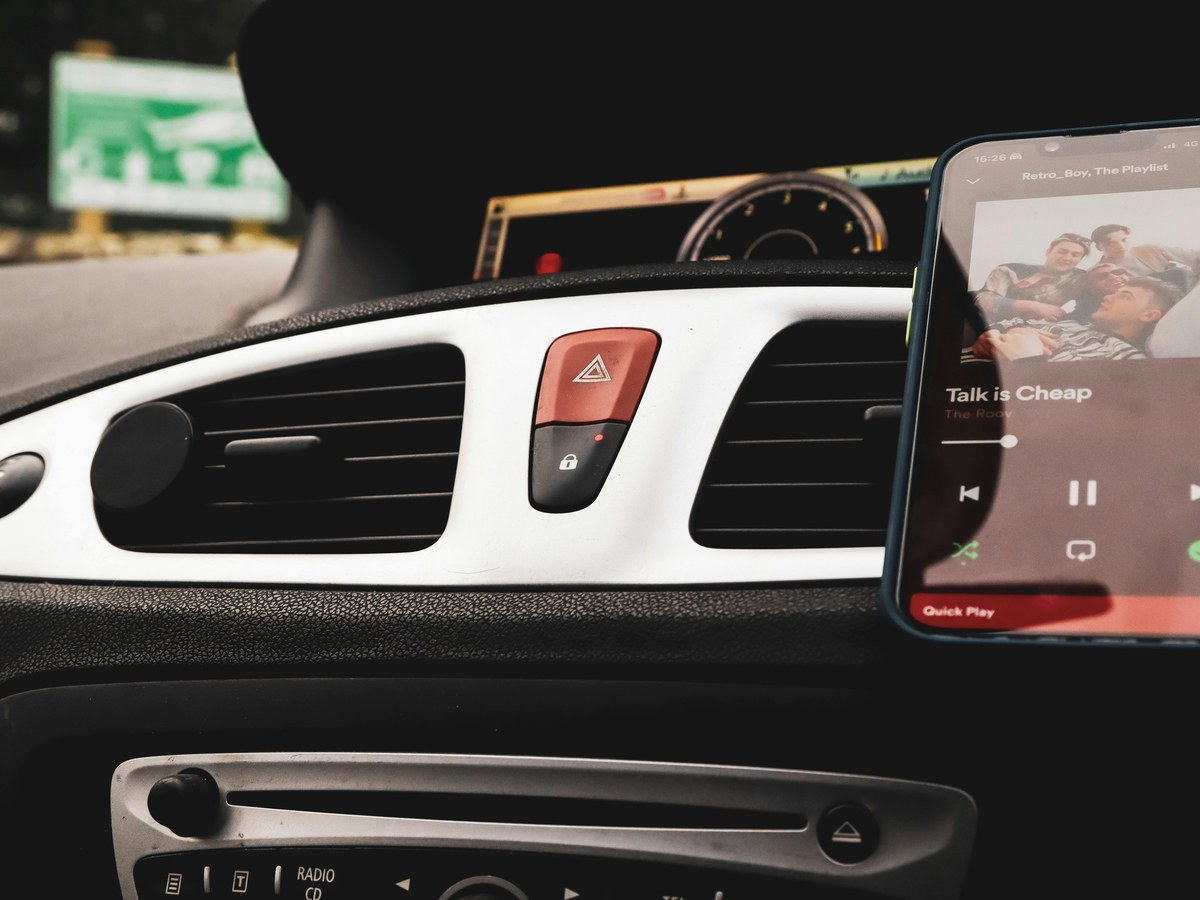
MagSafe Charging Mount
Stable phone placement for navigation and charging.

Dual USB-C Fast Car Charger
Compact fast charging for modern phones and daily devices.

Mini 2K Dash Cam Kit
Compact recording for daily roads, parking lots, and commutes.

Silent Windshield Wiper Set
Quiet replacement wipers for rain, dust, and clear daily visibility.

Portable Electric Tire Inflator
Compact trunk essential for slow leaks and pressure checks.
UV Windshield Sun Shade
Foldable windshield shade for hot parked cars in Israel.
How it works
Plug into the car. Pair your iPhone. Drive wireless.
No new screen, no complicated install. The hub connects to the wired CarPlay port your car already uses.
- ConnectWired CarPlay USB port
- Pair onceYour iPhone remembers it
- Drive wirelessCarPlay reconnects on future drives
Real driving moments
Built around the trips people actually make.

Morning commute
Open maps on the car display without reaching for a cable before leaving the street.

Night navigation
Keep route guidance on the screen while the phone stays away from the center console.

Short city trips
For ten-minute drives, skipping the cable makes the car feel easier to use.
Real reviews
What drivers notice first.
“I wanted CarPlay without plugging the phone in every morning. Setup took a few minutes and it connects when I start the car.”
Daniel R. · Tel Aviv · Toyota Corolla
“Support helped me check compatibility before ordering. It works well on my drive from Haifa to work.”
Maya L. · Haifa · Hyundai i20
“For short trips around Jerusalem, not dealing with the cable is the part I notice most.”
Oren S. · Jerusalem · Kia Sportage
FAQ
Simple answers before you order.
Will Wireless CarPlay Hub work with my car?
It is intended for vehicles that already support wired Apple CarPlay. If you are unsure, send your model and year before ordering.
Which product should I start with?
Wireless CarPlay Hub is the main upgrade for drivers who already use wired CarPlay and want to stop plugging in every drive.
How do I contact support?
Start a live chat or email support@nexoravigor.com. Leave your email and message so the team can follow up clearly.
Where can I review returns?
See the Refund and Returns Policy linked in the footer before placing your order.
Wireless CarPlay Hub